
Yolo County VINELink Coverage
Yolo County Sheriff's Office participates in California VINE. The Sheriff's VINE page describes it as a free anonymous service that lets users search custody information and register for automated phone or email notifications. The page names three local release-related events: release, pending release for sentenced people with scheduled release dates, and transfer to another county facility or state prison.
That local detail makes VINELink more than a generic statewide link for Yolo. Since no official public 24-hour or 72-hour release feed was found, VINE is the event-based substitute for tracking one named person. It is not a complete list of everyone released from Monroe Detention Center.
For Yolo County, the strongest VINE use case is notification. A person may be in custody when the search is made and released later the same day. Registering while the record is active helps catch that custody change without repeatedly calling the jail. The alert still should be checked against court records if the reason for release matters.
Yolo County's VINE page is the local source for release and transfer notification events.
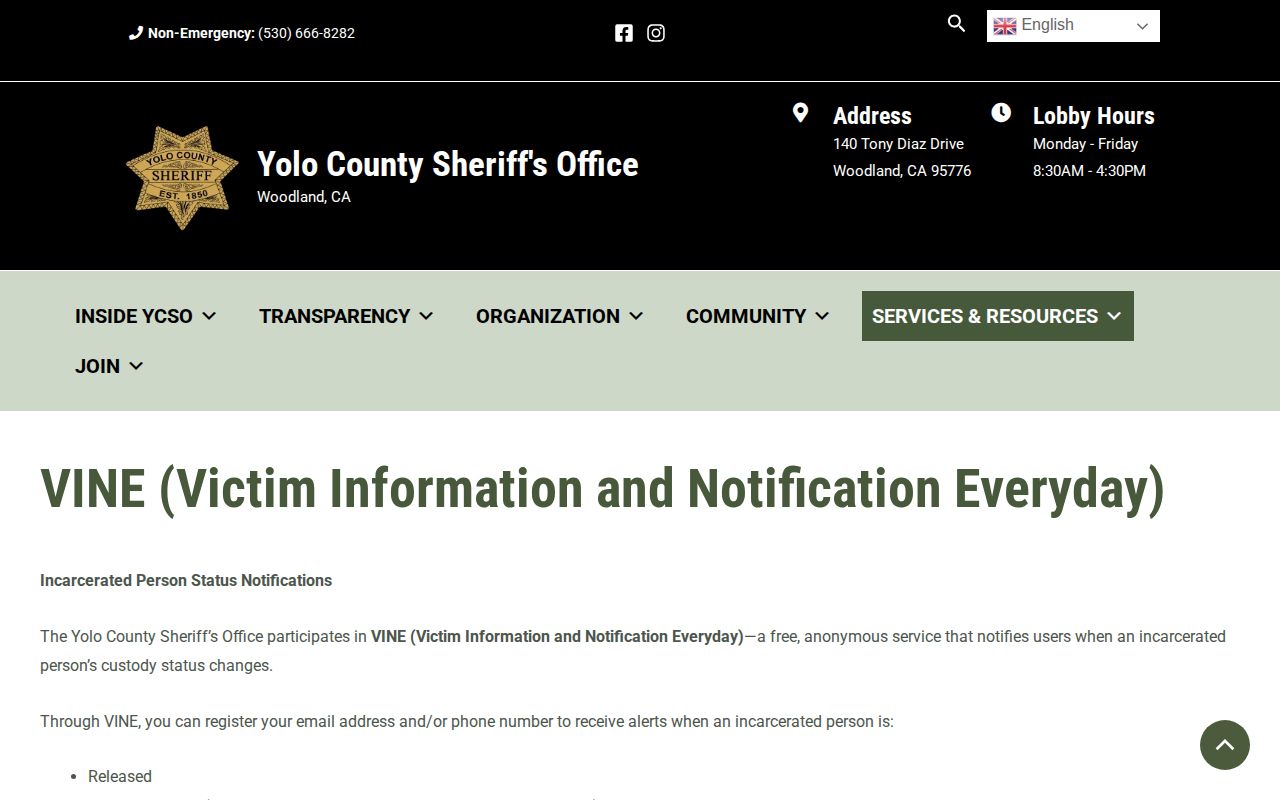
The local page should be read with the live California VINE interface because button labels and registration screens can change.
Search Yolo Inmate on VINELink
Search carefully because VINE can return similar names from different agencies. Use the full legal name, known date of birth or age, and any booking or offender number when available. If the interface allows agency filtering, narrow to the Yolo County Sheriff's Office or the relevant California agency.
Yolo names can also appear in more than one system. A person booked at Monroe Detention Center may later transfer to CDCR, another county, federal custody, or ICE. VINE may show a transfer event, but the next custodian's lookup may be needed to continue the trail. Record the agency named in the VINE result before moving to another search.
- Open California VINE or the VINELink California state entry point.
- Select California if prompted.
- Search for the person by name or ID using the most exact information available.
- Compare possible matches by agency, age, custody status, and other identifiers shown in the record.
- Open the matching result and read the custody event as a status update, not as a final court outcome.
- If VINE says transferred, identify whether the next system is another county, CDCR, federal custody, ICE, or another agency.
For a full multi-system lookup, use the Yolo County released inmates search path because it adds court records, CPRA, CDCR, BOP, and ICE channels.
Yolo VINELink Release Fields
The exact VINE result wording must come from the live result screen. Based on Yolo's official VINE page, the supported release-related events include released, pending release for sentenced individuals with scheduled dates, and transfer to another county facility or state prison. Treat those as custody events.
| VINELink item | How to read it for Yolo County |
|---|---|
| In custody | The person is still held by the listed participating agency. |
| Released | A custody release event was reported, but the court record may still be needed for the reason. |
| Pending release | Yolo says this applies to sentenced people with scheduled release dates. |
| Transferred | The person left one facility or agency and may still be in another system. |
| Agency or facility | Use this to distinguish Yolo jail, CDCR, and other participating agencies. |
Limit: VINE status does not replace the Yolo Superior Court disposition or the Sheriff's formal release record.
Register Yolo Release Alerts
After the correct person is located, use the registration option in the VINE result. Yolo's local page says phone and email alerts are available. Phone flows commonly require a PIN or confirmation step to stop repeat calls after an alert, so save the registration information and read the live prompts closely.
- Choose the notification or registration option from the matching person record.
- Select phone and/or email if both options are available.
- Enter contact information and complete any verification step shown by the interface.
- Record the confirmation details and any PIN used for phone alerts.
- Update the registration if the person transfers to another agency and a new record must be tracked.
The California VINE toll-free number listed by Yolo is 1-877-411-5588. That phone route is useful when web access is not available or a phone-based registration is preferred.
Registration is most useful before the release event happens. After a person has already been released or transferred, VINE may still show the custody event, but a new notification may not add more detail about the court reason. For that reason, use VINE for alerts and status, then use court records or Sheriff's Records for the reason behind the status change.
Yolo VINE as Release Substitute
Yolo's distinctive VINE angle is local and practical. The Sheriff's page names release, pending release, and transfer events at a level that directly answers many recent-release questions. Since the official Sheriff's pages reviewed did not expose a public 24-hour or 72-hour release list, VINE is the best official event-notification channel for a named person.
A pending-release alert should be read carefully. Yolo's page ties pending release to sentenced people with scheduled release dates, so it may not appear for every pretrial release, bail release, or court-ordered release. A transfer alert is also not the same as community release. It means the person left one agency path and another custodian may need to be checked.
California VINE is the live state search and registration source.
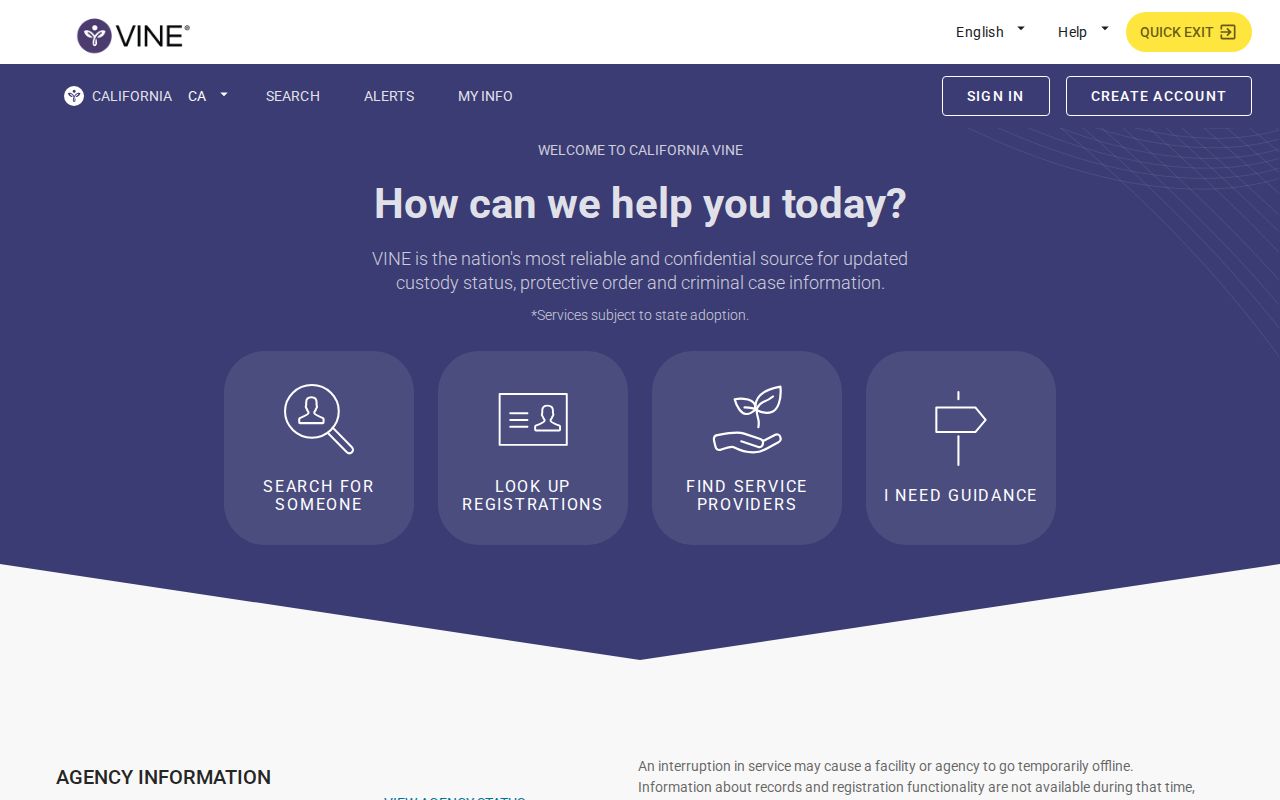
Search results still need careful matching. A similar name from another county or state agency should not be treated as the Yolo person without identifiers.
VINELink Limits for Yolo
VINELink does not cover every custody system. Federal prison releases are checked through the BOP Inmate Locator. Immigration detention is checked through ICE ODLS. A Yolo criminal case disposition is checked through the Yolo Superior Court portal. A formal county release record is requested from the Sheriff's Records Section through CPRA.
VINE data may lag because it depends on agency data feeds. If a release is urgent or unclear, call Yolo custody status at 530-668-5245 and check the court minutes. If VINE says released but the reason matters, search the court record for bail, sentence, dismissal, transfer, or other custody-changing order.
When VINE has no match, do not assume the person was never booked or has been fully released. The name may be misspelled, the agency filter may be wrong, the record may not be exposed, or the person may be in a nonparticipating system. Use the Yolo custody line for county jail, CIRIS for CDCR, BOP for federal custody, and ICE ODLS for immigration custody.
For older release questions, VINE is less complete than a formal records path. Ask the Sheriff's Records Section for the public booking and release fields, or search the Yolo Superior Court portal for the disposition. Those records can explain whether the custody event came from bail, time served, dismissal, sentence, transfer, or another order.
VINE also should not be treated as a custody-credit or sentence-calculation tool. If the issue is a projected release date, check the Yolo custody line for a county tentative date or CDCR/CIRIS for a state record. If the issue is parole or probation after release, check the court order, DAPO, or Yolo County Probation depending on the supervision type.
For a Yolo jail release, the best final confirmation is usually a paired record: VINE or the custody line for the status event, and the court or CPRA record for the reason and public release fields. For a state-prison release, pair CIRIS with CDCR or DAPO information. That keeps VINE in its proper role as an alert and status tool, while the record custodian supplies the underlying release or transfer detail. Save the agency name, date, and status shown in VINE before making the follow-up records request.
If VINE shows no current result after a recent Yolo arrest, repeat the search with fewer fields and check spelling before moving on. Then call the custody line or search the court portal. A no-match result can reflect data timing, agency scope, or a transfer rather than a completed release.